

API Authentication
All requests to the Sayvy AI REST API require an API key passed via the standard HTTPAuthorization Bearer header.
Generating an API Key
You can create and manage API keys directly in the Sayvy AI Console:- Navigate to Developers > API Keys in the sidebar.
- Click Create New API Key.
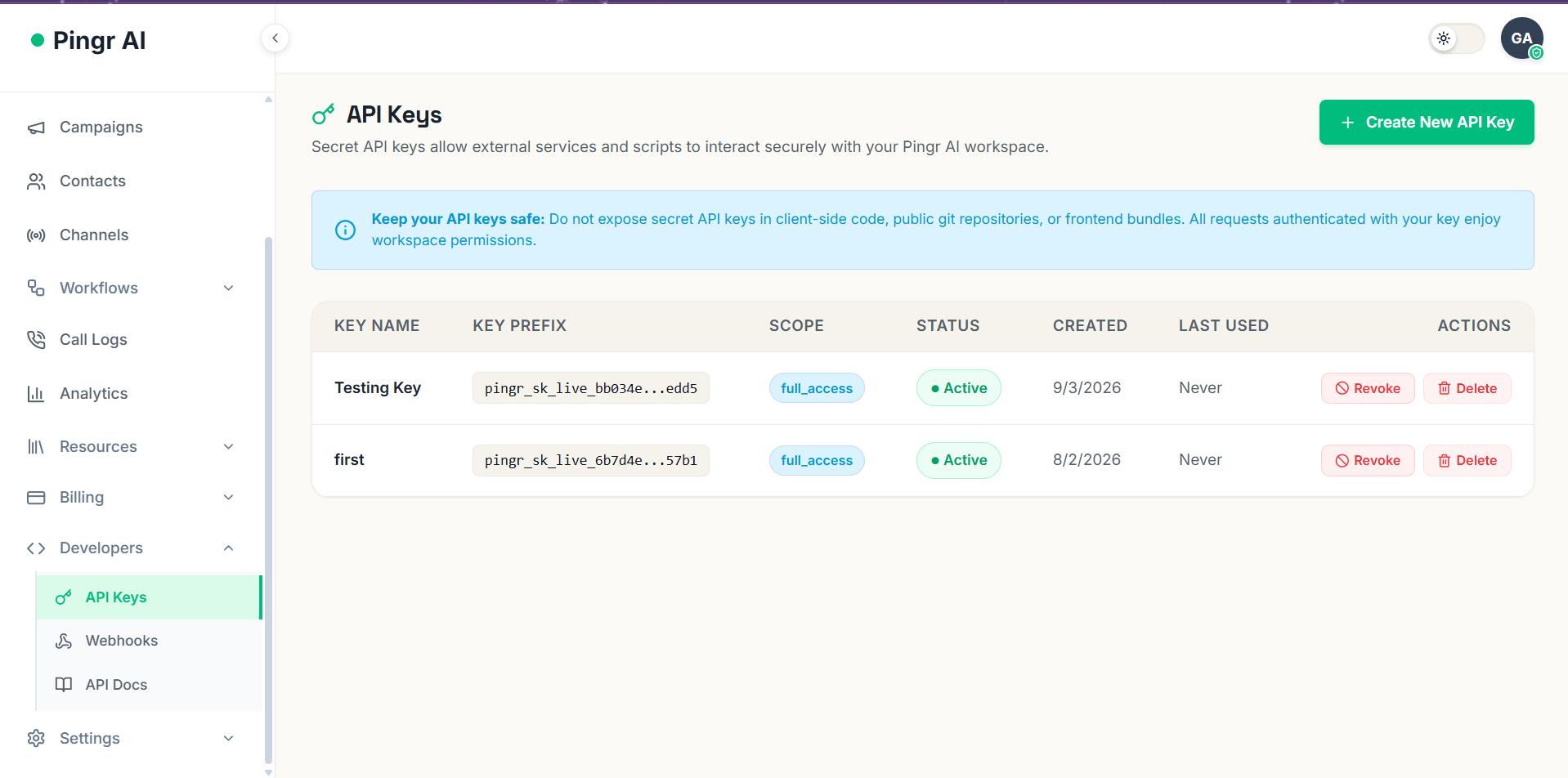
Sayvy AI Developer Portal — API Key Management
- Provide a descriptive key name (e.g.
Production Call Worker), set permissions/scopes, and select an optional expiration date.
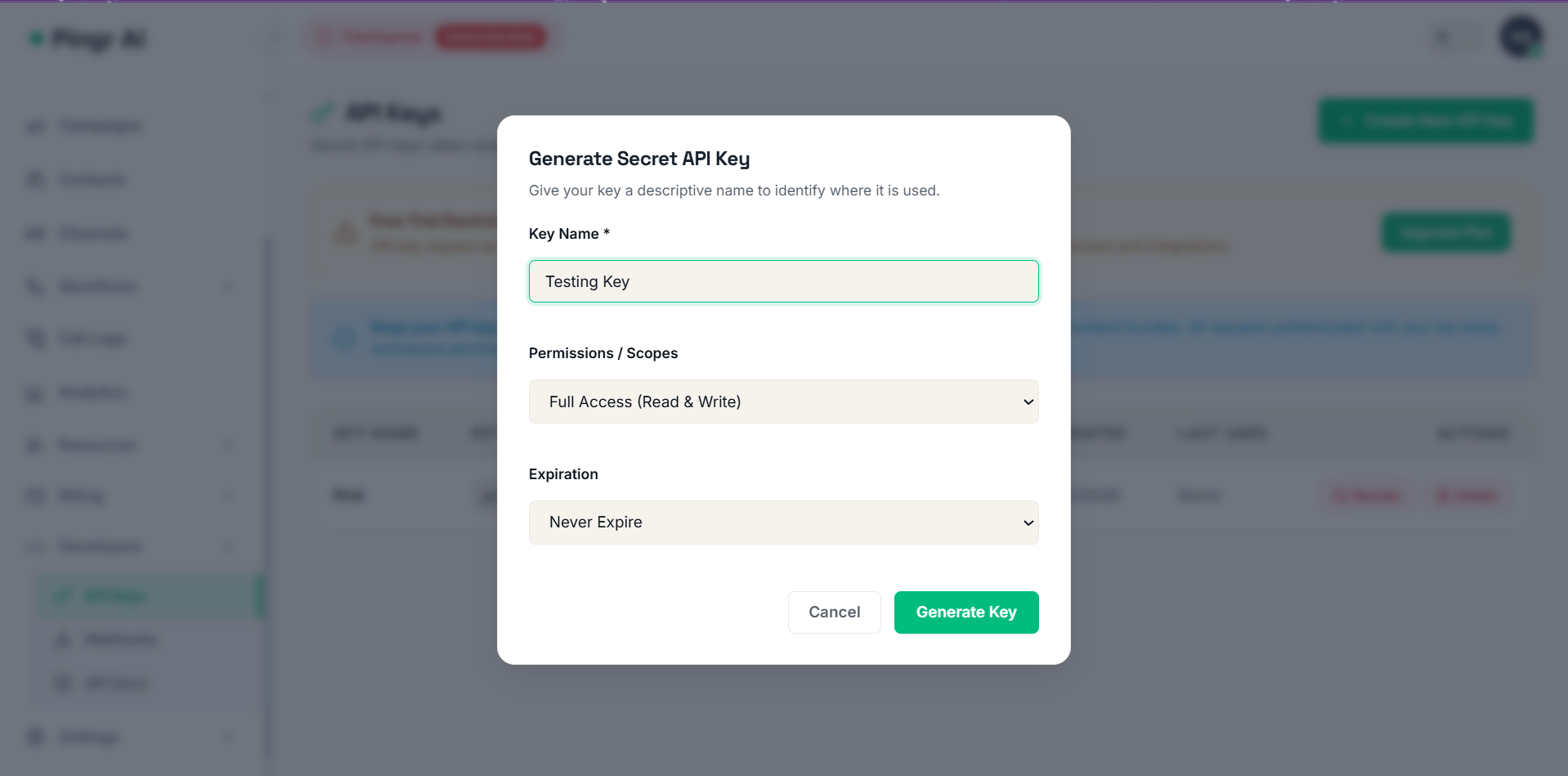
Configuring key parameters and granular permission scopes
- Copy your secret key immediately. For security, Sayvy AI never reveals the full secret key again.
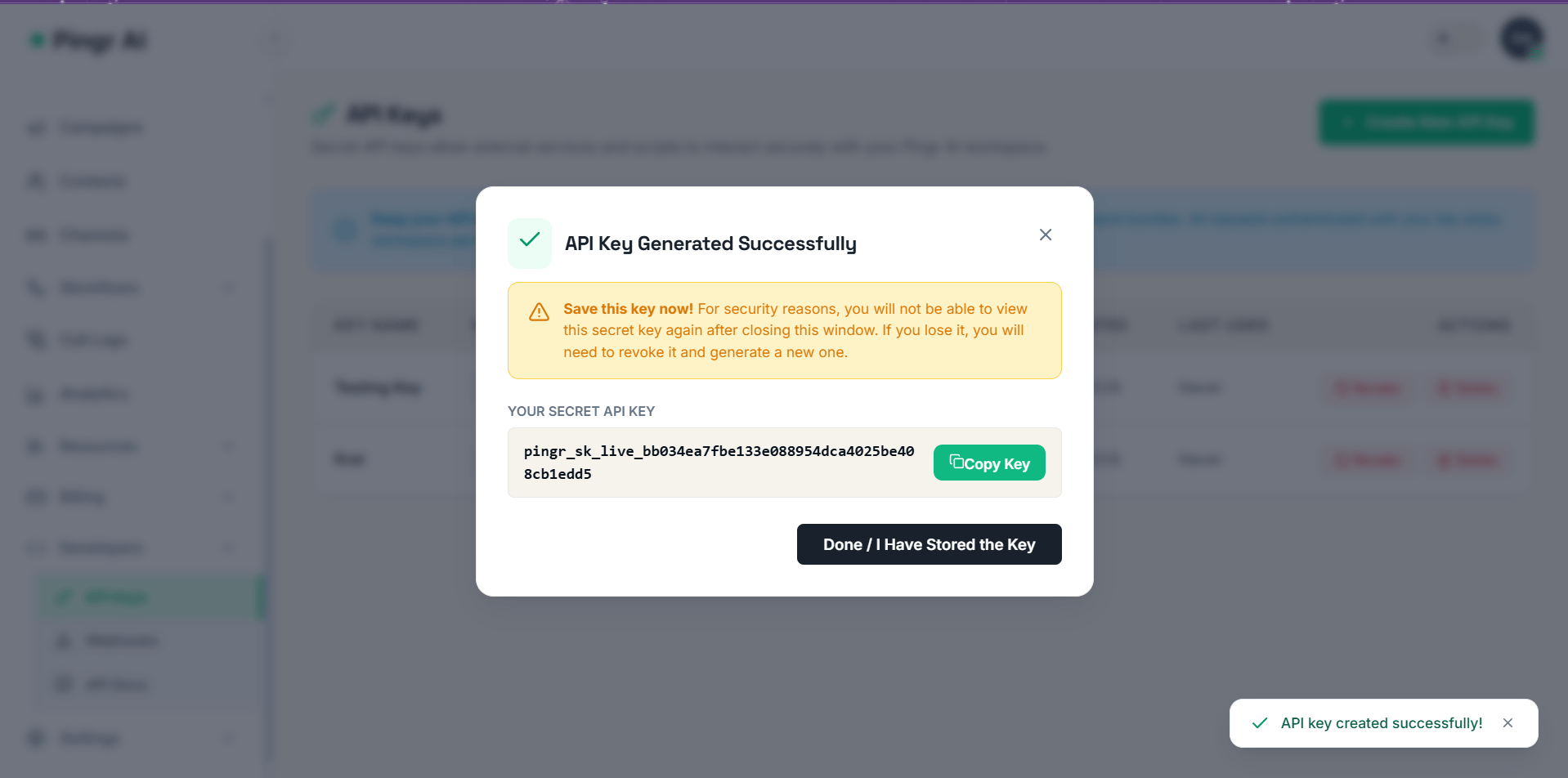
Secret API key generated — copy and store securely
Key Types & Environments
Sayvy AI offers two types of keys:Granular Scopes
You can restrict API keys to specific permissions:full_access: Unrestricted access across all workspace resources.agents:read: List and fetch voice agent configurations.agents:write: Create, update, or delete voice agents.calls:dispatch: Trigger outbound phone calls and WebRTC sessions.calls:read: View call logs, metrics, recordings, and transcripts.campaigns:manage: Create and schedule outbound batch campaigns.webhooks:admin: Manage webhook endpoints and signing secrets.
Making Authenticated Requests
cURL Example
Node.js / TypeScript Example
Python Example
Failed Authentication
If an API key is missing, invalid, or lacks required scopes, Sayvy AI responds with a401 Unauthorized or 403 Forbidden status code: